
MacBook Neo vs MacBook Air: Which Should You Choose?
MacBook Neo is Apple's lowest-priced MacBook. MacBook Air costs more but adds more memory, faster ports and a better camera and screen. This guide compares the exact models iShure sells, the MacBook Neo 13-inch with the A18 Pro chip and the MacBook Air 13-inch and 15-inch with the M5 chip, and explains which differences matter in everyday use.
If you are choosing a laptop for university or college, our Best Mac for Students guide covers course software and budgets in more detail.
Quick recommendation
- Choose MacBook Neo
- for writing, research, browsing, email, online classes and streaming, where the lowest price matters most.
- Choose MacBook Air
- if you keep many apps open, edit photos or video, use a second monitor or two, or want the laptop to stay comfortable for several years of heavier use.
- Look beyond both
- if your work needs more than 24GB of memory, more ports or sustained heavy processing. See MacBook Air vs MacBook Pro.
The exact models compared
Both laptops are fanless, so they run silently, and both support Apple Intelligence (Apple lists it as available in supported languages, with some features varying by region). The differences are in the chip, memory, ports and several everyday details.
| Feature | MacBook Neo 13-inch (A18 Pro) | MacBook Air 13-inch (M5) | MacBook Air 15-inch (M5) |
|---|---|---|---|
| Configurations at iShure | 8GB memory with 256GB or 512GB storage | 16GB with 512GB, 16GB with 1TB, or 24GB with 1TB | 16GB with 512GB, 16GB with 1TB, or 24GB with 1TB |
| Chip | A18 Pro: 6-core CPU, 5-core GPU, 16-core Neural Engine | M5: 10-core CPU; 8-core GPU on the 512GB model, 10-core GPU on the 1TB models | M5: 10-core CPU, 10-core GPU |
| Memory | 8GB, fixed | 16GB or 24GB | 16GB or 24GB |
| Display | 13.0-inch Liquid Retina, 2408 × 1506, 500 nits, sRGB colour | 13.6-inch Liquid Retina, 2560 × 1664, 500 nits, P3 wide colour, True Tone | 15.3-inch Liquid Retina, 2880 × 1864, 500 nits, P3 wide colour, True Tone |
| Weight and thickness | 1.23 kg, 1.27 cm | 1.23 kg, 1.13 cm | 1.51 kg, 1.15 cm |
| Apple's battery figures | Up to 16 hours video streaming, up to 11 hours wireless web | Up to 18 hours video streaming, up to 15 hours wireless web | Up to 18 hours video streaming, up to 15 hours wireless web |
| Ports | One USB 3 USB-C port (up to 10Gb/s), one USB 2 USB-C port (up to 480Mb/s), headphone jack | MagSafe 3, two Thunderbolt 4 ports, headphone jack | MagSafe 3, two Thunderbolt 4 ports, headphone jack |
| External displays | One, up to 4K at 60Hz | Up to two, each up to 6K at 60Hz | Up to two, each up to 6K at 60Hz |
| Keyboard and Touch ID | Magic Keyboard; Touch ID on the 512GB model only. Apple does not list a backlit keyboard. | Backlit Magic Keyboard with Touch ID | Backlit Magic Keyboard with Touch ID |
| Trackpad | Multi-Touch trackpad | Force Touch trackpad | Force Touch trackpad |
| Camera | 1080p FaceTime HD | 12MP Center Stage camera with Desk View | 12MP Center Stage camera with Desk View |
| Speakers and microphones | Two speakers, two microphones | Four speakers, three microphones | Six speakers, three microphones |
| Wireless | Wi-Fi 6E, Bluetooth 6 | Wi-Fi 7, Bluetooth 6 | Wi-Fi 7, Bluetooth 6 |
| In the box | Laptop and USB-C charge cable; power adapter sold separately | Laptop and USB-C to MagSafe 3 cable; power adapter sold separately | Laptop and USB-C to MagSafe 3 cable; power adapter sold separately |
| Colours at iShure | Silver, Citrus, Indigo, Blush | Sky Blue, Silver, Starlight, Midnight | Sky Blue, Silver, Starlight, Midnight |
8GB memory, 256GB or 512GB storage.
From R13 999,00
Available
View MacBook Neo13-inch, 16GB or 24GB memory, 512GB or 1TB.
From R24 999,00
Available
Explore MacBook Air15-inch, 16GB or 24GB memory, 512GB or 1TB.
From R26 773,15
Available
Explore MacBook Air
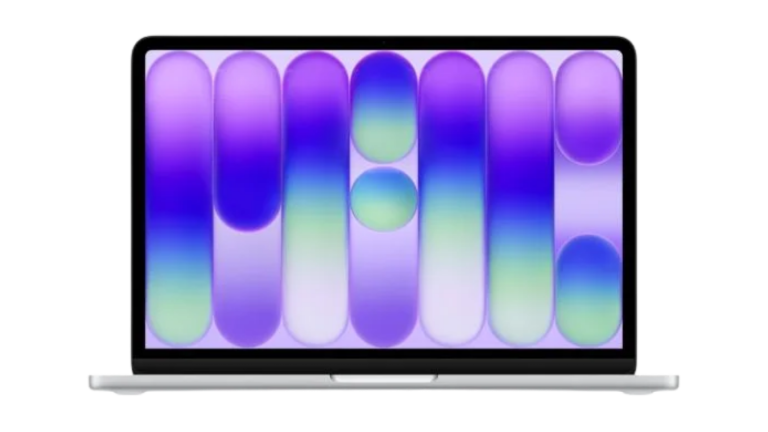
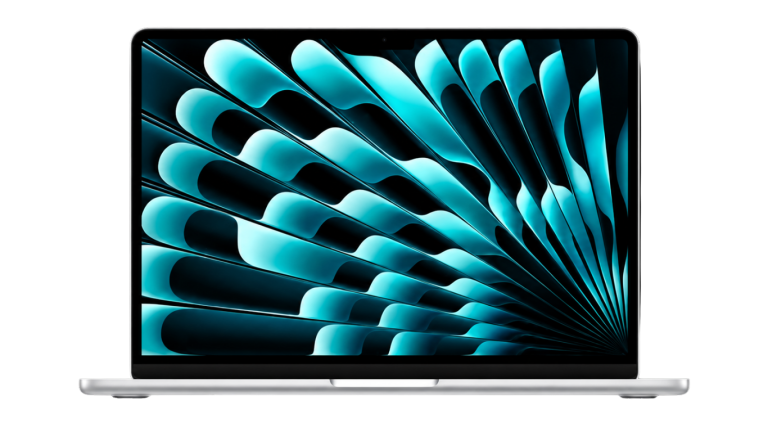
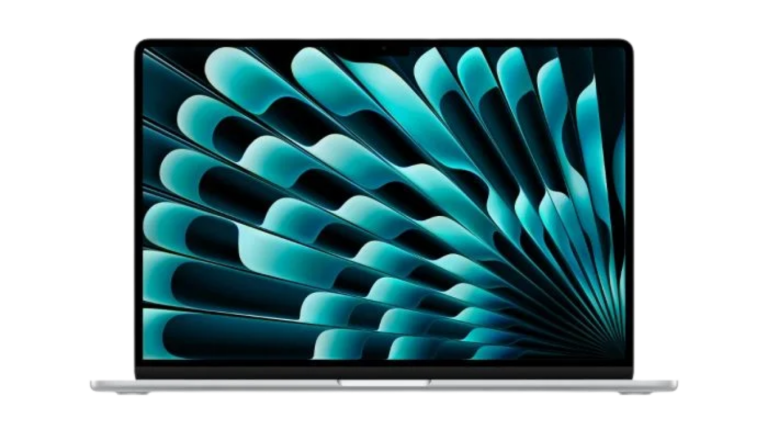
Prices on the cards are iShure's current prices in rand, including VAT. At the time you are reading, the MacBook Neo starts at about R11 000 less than the 13-inch MacBook Air.
Everyday use, studying and productivity
For documents, spreadsheets, research, email, video calls and streaming, both laptops are comfortable. Web apps such as Google Docs and Microsoft 365, and most note-taking and reference tools, do not need much processing power. The Neo's A18 Pro chip handles this kind of work, and because the Neo has no fan, it stays silent in a lecture hall or library just like the Air.
Where the Neo is likely to feel its limits is memory. It has 8GB of unified memory, and that cannot be upgraded later. Many browser tabs, a video call, a music app and a large spreadsheet all open at once use more memory than a few apps at a time. The Air starts at 16GB, which leaves more headroom for that kind of multitasking and for future software updates.
Multitasking and more demanding work
The M5 chip in the Air has more CPU and GPU cores than the A18 Pro and roughly two and a half times the memory bandwidth, according to Apple's specifications (153GB/s against 60GB/s). That matters for photo editing, video editing, larger coding projects, music production and running several heavy apps together. Apple has not published a like-for-like benchmark between the two, so we do not quote a percentage, but the Air is the stronger machine for sustained work.
Neither is designed for long, heavy exports or 3D rendering. If that is a regular part of your work, a MacBook Pro, with its M5 Pro and M5 Max chip options and up to 48GB of memory at iShure, is worth considering.
Memory and storage: what to choose
- MacBook Neo, 256GB: suits someone who keeps most files in cloud storage such as iCloud, OneDrive or Google Drive, and mainly uses a browser and office apps.
- MacBook Neo, 512GB: worth the extra if you keep photos, offline video or large course files on the laptop. It is also the only Neo with Touch ID, which makes logging in and approving passwords quicker.
- MacBook Air, 16GB with 512GB: the sensible Air for most people. 16GB is double the Neo's memory, and 512GB is enough for typical study or office use.
- MacBook Air, 16GB with 1TB: for large photo libraries, music projects or offline media. On the 13-inch, the 1TB models also have the 10-core GPU.
- MacBook Air, 24GB with 1TB: for people who regularly run heavy apps together, such as photo or video editing with a browser and video call open, and who plan to keep the laptop for many years.
Memory and storage on both laptops are fixed when you buy, so it is better to buy slightly more than you need today than to run out in two years. That said, the Neo's 8GB is a fixed design: there is no higher-memory Neo, so if 8GB worries you, the Air is the step up.
Display size, portability and weight
The Neo and the 13-inch Air weigh the same, 1.23 kg, so the choice is not about weight. The Neo is slightly thicker. The Air's display is a little larger and sharper and supports the P3 wide colour range and True Tone, which adjusts the screen's colour to the light around you. For photo editing, the Air's wider colour range is a real advantage; for reading and writing the difference is small.
The 15-inch Air gives you a much larger screen for side-by-side windows, spreadsheets and timelines, at 1.51 kg. Choose it if you mostly work at a desk or table and value screen space over the lightest bag.
Battery life: reading Apple's claims
Apple quotes up to 16 hours of video streaming and up to 11 hours of wireless web browsing for the Neo, and up to 18 hours and 15 hours for both Air sizes. These figures come from Apple's own tests on pre-production units in January 2026, streaming 1080p video in Safari or browsing 25 popular websites over Wi-Fi, with the screen set eight clicks from the bottom (and the Air's keyboard backlight off). Apple notes that battery life varies by use and configuration.
In practice, the Air's figures suggest more margin for a long day of lectures or meetings away from a plug. Brighter screens, video calls and heavier apps all shorten battery life on both.
Ports, charging and external displays
This is one of the clearest differences. The Air has MagSafe 3 for charging plus two fast Thunderbolt 4 ports, so both USB-C ports stay free for drives, displays and accessories while it charges. The Neo charges through either of its two USB-C ports, and only one of them is a faster USB 3 port. The other runs at USB 2 speed, which is fine for a mouse or keyboard but slow for an external drive.
For an external monitor, the Neo supports one display up to 4K at 60Hz, from its USB 3 port. The Air supports up to two external displays. If you plan to use the laptop at a desk with two monitors, choose the Air.
Power adapters
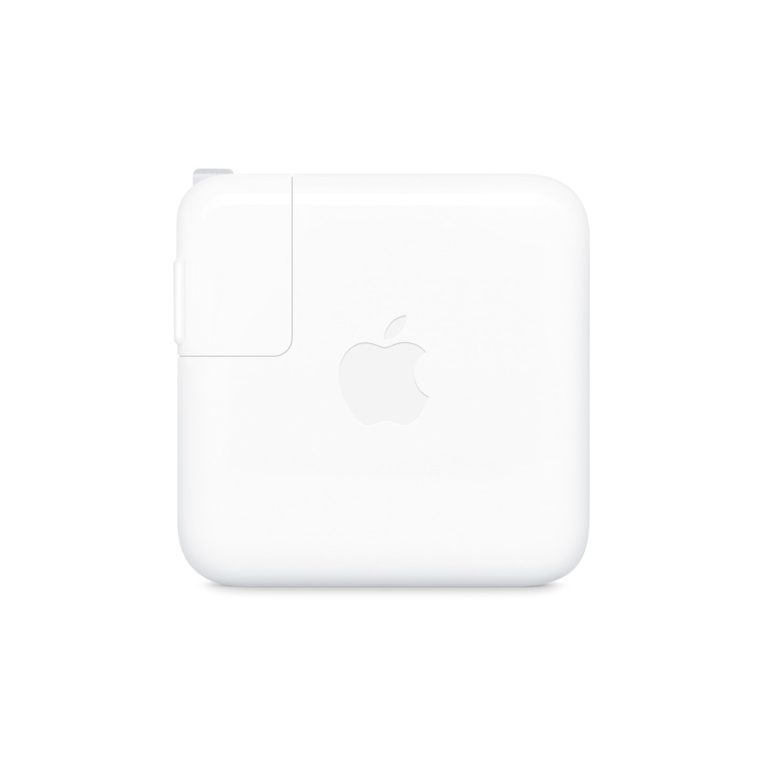
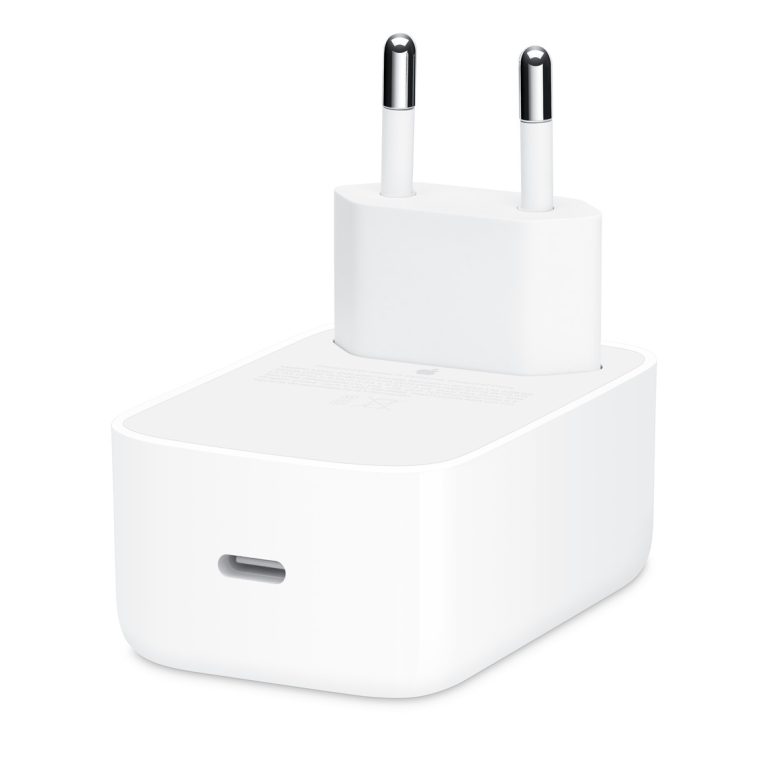
The MacBook Neo and MacBook Air listings at iShure state that the power adapter is sold separately. Apple's South African specifications list a minimum of a 20W USB-C adapter for the Neo, 30W for the 13-inch Air and 35W for the 15-inch Air. The Air supports fast charging with a 70W or higher USB-C adapter. If you do not already own a suitable adapter, include one in your budget.
Above the minimum for MacBook Neo and both MacBook Air sizes; two ports for a phone at the same time.
R1 407,89
Available to Order
View adapter40W Dynamic Power Adapter With 60W Max
Above the minimum for MacBook Neo and both MacBook Air sizes.
R967,50
Available to Order
View adapterChoose 20W or higher for the Neo, 30W or 35W and higher for the Air, or 70W for Air fast charging.
From R391,09
Available to Order
View adapters
Keyboard, camera and other practical differences
- Keyboard light: the Air has a backlit keyboard. Apple does not list a backlit keyboard for the Neo, which matters if you type in dim rooms.
- Touch ID: standard on every Air, but only on the 512GB Neo. The 256GB Neo has a lock key instead.
- Trackpad: the Air's Force Touch trackpad supports pressure-based clicks and shortcuts; the Neo has a Multi-Touch trackpad.
- Camera: the Air's 12MP Center Stage camera keeps you framed as you move and supports Desk View. The Neo's 1080p FaceTime HD camera is fine for online classes but has neither feature.
- Sound: the Air has more speakers and three microphones, which helps on calls in noisy rooms.
- Wi-Fi: the Air supports Wi-Fi 7 and the Neo Wi-Fi 6E. Both work on any current home or campus Wi-Fi; Wi-Fi 7 only helps where the network supports it.
Which should you choose?
Choose MacBook Neo when…
- Your work is mainly writing, research, browsing, office apps and video calls.
- You keep most files in the cloud, or 512GB is enough.
- You do not need two external monitors or fast external drives.
- Keeping the cost down matters more than extra headroom.
Choose MacBook Air when…
- You regularly keep many apps and tabs open together.
- You edit photos, video or music, or code larger projects.
- You want to use one or two external monitors, Thunderbolt accessories or MagSafe charging.
- You want a backlit keyboard, Touch ID on every model and a better camera for calls.
- You plan to keep the laptop for many years of heavier use.
Consider another Mac when…
- You need more than 24GB of memory or long, heavy exports: look at MacBook Pro.
- You work at a fixed desk and already have a monitor and keyboard: a desktop Mac can cost less for the power.
The Neo is a sensible lower-cost choice for light, everyday work, but it is not the same as an Air with a smaller price. It has half the base memory, slower ports and fewer extras. The Air's advantages are worth paying for when your work is heavier, when you rely on external displays or accessories, or when you want the machine to last comfortably for longer.
Questions buyers ask
Is MacBook Neo powerful enough for university?
For writing, research, online classes, office apps and browsing, yes. For courses that use photo or video editing, larger coding projects, or engineering and design software, the MacBook Air's 16GB of memory and faster chip are the safer choice. Always check your course's software requirements first.
Can I upgrade the memory on MacBook Neo later?
No. Memory and storage on MacBook Neo and MacBook Air are built in and cannot be upgraded after purchase. MacBook Neo comes with 8GB of memory only.
Does MacBook Neo support an external monitor?
Yes, one external display up to 4K at 60Hz, connected to its USB 3 port. MacBook Air supports up to two external displays.
Is a charger included?
The MacBook Neo and MacBook Air listings at iShure state that the power adapter is sold separately. MacBook Neo includes a USB-C charge cable and MacBook Air a USB-C to MagSafe 3 cable.
Which is lighter, MacBook Neo or the 13-inch MacBook Air?
They weigh the same, 1.23 kg, according to Apple. The 15-inch MacBook Air weighs 1.51 kg.
Our recommendation
For most people who write, research, browse and attend online classes, the MacBook Neo is a sensible, lower-cost Mac, and the 512GB model is worth it for Touch ID and the extra space. If you multitask heavily, edit media, use external monitors or want more years of headroom, the 13-inch MacBook Air with 16GB and 512GB is the better buy, and the 15-inch suits people who want the larger screen.
Whichever you choose, budget for a power adapter if you do not already have a suitable one.
Sources
Technical details are from Apple's published specifications, checked on 15 October 2026. Configurations, prices and availability come from iShure's product listings.
- Apple: MacBook Neo technical specifications (South Africa)
- Apple: MacBook Neo compare
- Apple: MacBook Air technical specifications (South Africa)
- Apple: MacBook Air technical specifications
- Apple Newsroom: MacBook Neo announcement
Published 15 October 2026. Last reviewed 15 October 2026.