
Best Mac for Students: Choose for Your Course and Budget
The right Mac for studying depends on what your course asks of it, not on your year of study. Most students need a reliable laptop for writing, research and online classes; some courses add design, video, coding or specialist engineering software that needs more memory, and a few rely on software that does not run on a Mac at all.
This guide matches the Macs iShure sells to real study needs. For a detailed comparison of the two most popular student laptops, see MacBook Neo vs MacBook Air.
Quick recommendation
- Writing, research and online classes
- MacBook Neo, or MacBook Air 13-inch if you multitask heavily.
- Business, commerce and statistics
- MacBook Air 13-inch with 16GB, after checking your Excel and statistics software needs.
- Coding and computer science
- MacBook Air with 16GB or 24GB; MacBook Pro for heavy mobile or container work.
- Design, photography and video
- MacBook Air with 24GB or MacBook Pro 14-inch.
- Engineering and architecture
- Check your software list first: several common programs are Windows only.
- Studying mainly at a desk
- iMac or Mac mini, if you do not need to carry the computer.
Before you buy: check your course software
Before choosing any laptop, ask your faculty or department for its list of required software and its recommended minimum specifications, and check the system requirements for any online exam or proctoring tool your institution uses. These lists vary by university, course and year, and they are the most reliable guide to what you need.
Some widely used programs have no macOS version. Autodesk says Revit has no native Mac version; SolidWorks lists Windows on an Intel or AMD (x86-64) processor; and Ansys Student lists Windows 10 and 11 only. SAS says it does not make a version that runs natively on a Mac, although its browser-based SAS OnDemand for Academics can be used on one.
What about running Windows on a Mac?
On Macs with Apple chips, Parallels Desktop runs only Arm versions of Windows 11, and many Windows apps then run through emulation. Parallels and Microsoft both list limitations, and a program that requires an Intel or AMD processor, such as SolidWorks, is not guaranteed to work this way. Exam tools are also strict: Respondus says LockDown Browser cannot be used when a virtual machine is detected, and ExamSoft says running Examplify in a virtual machine breaks its licence terms. Do not rely on Windows virtualisation unless your institution or the software developer confirms it for your exact program.
Online exams and proctoring
Respondus LockDown Browser lists macOS 12 or later, and ExamSoft's Examplify lists Apple A18 and M-series chips with at least 4GB of memory (8GB recommended for monitored exams). Requirements change between versions, so check your institution's current guidance before your first exam.
Recommendations by course
| Study area | Suggested Mac at iShure | Memory to aim for | Watch out for |
|---|---|---|---|
| General coursework, research, online classes | MacBook Neo, or MacBook Air 13-inch | 8GB is enough for light use; 16GB for heavy multitasking | Exam software requirements |
| Business, commerce, accounting | MacBook Air 13-inch | 16GB | Excel for Mac does not support Data Models (Power Pivot); SAS is browser-only on a Mac |
| Statistics and data | MacBook Air 13-inch or 15-inch | 16GB | Check whether your course uses SAS, SPSS, Stata or R |
| Coding and computer science | MacBook Air with 16GB or 24GB; MacBook Pro for heavier work | 16GB minimum for Android development with the emulator | Windows-only tools; containers and emulators use a lot of memory |
| Design and photography | MacBook Air with 24GB, or MacBook Pro 14-inch | 16GB recommended by Adobe | Colour-accurate display and storage for large files |
| Video and animation | MacBook Pro 14-inch, or MacBook Air with 24GB for lighter projects | 16GB or more | Long exports, storage space and external drives |
| Engineering and architecture | Depends on the software list; MacBook Air with 24GB or MacBook Pro for Mac-compatible apps | 16GB to 32GB, depending on the program and project size | Revit, SolidWorks and Ansys Student are Windows only |
General coursework, research and online classes
For essays, reading, research, Microsoft 365, email, Teams or Zoom classes and streaming, most students do not need a powerful laptop. Microsoft 365 for Mac runs natively on Apple chips, and Microsoft lists 4GB of memory as its minimum for Office and Teams.
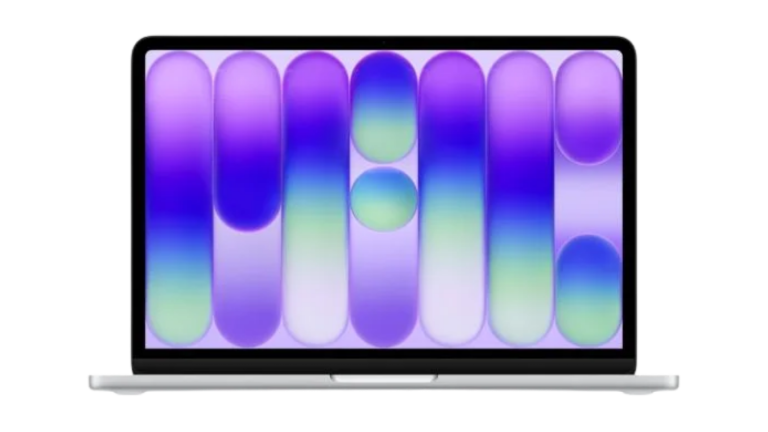
MacBook Neo is the sensible starting point. Its 8GB of memory is enough for these tasks if you are not keeping dozens of tabs and apps open at once. The 512GB model adds Touch ID and room for offline files. Choose the MacBook Air 13-inch with 16GB instead if you tend to multitask heavily, want a backlit keyboard and better camera for online classes, or plan to keep the laptop for your whole degree and possibly beyond.
Spending more than this is unnecessary for general coursework.
8GB memory, 256GB or 512GB.
From R13 999,00
Available
View MacBook Neo13-inch, from 16GB and 512GB.
From R24 999,00
Available
Explore MacBook Air
Business, commerce and statistics
Spreadsheets, presentations and accounting coursework run well on any of these Macs. The main thing to check is Excel. Microsoft documents that Excel for Mac does not support Data Models, which Power Pivot and multi-table PivotTables rely on, and that the Power Query editor is not available in Excel for Mac. If your course teaches Power Pivot or Power Query in depth, ask whether campus computers will be available for that work.
For statistics: R and RStudio run natively on Apple chips; Stata lists support for Apple silicon Macs; IBM lists SPSS Statistics as supported on Apple silicon; and SAS is available through the browser-based SAS OnDemand for Academics rather than as a Mac app.
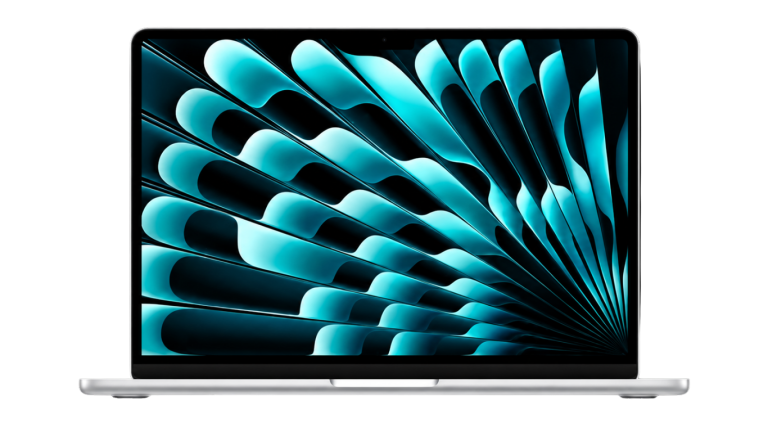
The MacBook Air 13-inch with 16GB and 512GB is the balanced choice here, with enough memory for large spreadsheets alongside a browser and video calls. The Neo can handle lighter commerce coursework, but its fixed 8GB leaves less room for big data files.
16GB and 512GB is the sensible starting point.
From R24 999,00
Available
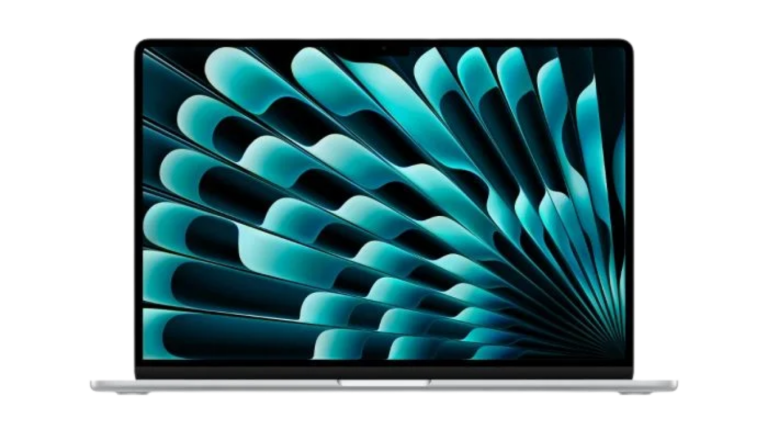
Explore MacBook AirThe 15-inch screen helps with wide spreadsheets.
From R26 773,15
Available
Explore MacBook Air
Coding and computer science
Python, Visual Studio Code, R and most programming languages run natively on Apple chips, and a Mac is required if you want to build apps for iPhone or Mac with Xcode (Apple lists macOS Tahoe 26.6 or later for the current version). Memory matters more than processor speed for coding: Google lists 8GB as the minimum for Android Studio, 16GB with the Android emulator and 32GB as recommended, and Docker Desktop needs at least 4GB for itself.
- MacBook Air with 16GB: suits most first- and second-year programming courses, web development and data work.
- MacBook Air with 24GB: better if you run containers, Android emulators or several development tools at once.
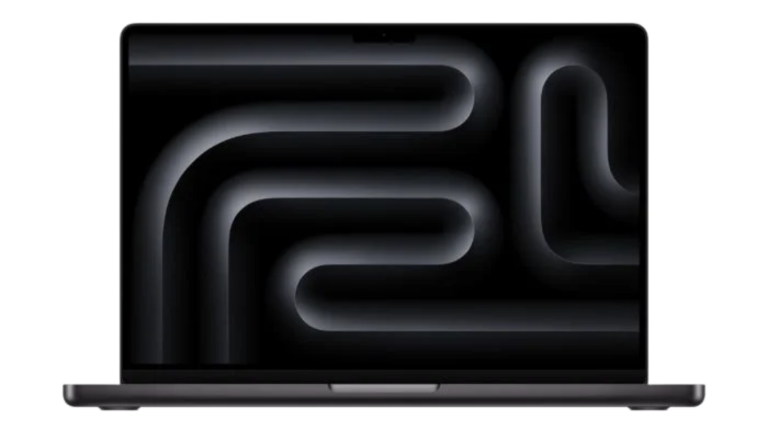
- MacBook Pro 14-inch: worth considering for sustained heavy builds, machine-learning coursework or mobile development with emulators, where its M5 Pro and M5 Max chip options and higher memory configurations help.
The Neo's 8GB is below what Google recommends for Android development with the emulator, so it is not the right choice for that work. Check also whether any of your courses use Windows-only tools.
16GB or 24GB memory.
From R24 999,00
Available
Explore MacBook AirFor heavier, sustained development work.
From R39 198,90
Available
View MacBook Pro
Design, photography and video
Creative software asks for more memory. Adobe lists 8GB as the minimum and 16GB or more as recommended for Photoshop and Lightroom Classic, and says Lightroom Classic needs 16GB of unified memory on Apple silicon for full GPU acceleration and AI features such as Denoise. Adobe recommends 16GB of unified memory on M-series Pro, Max or Ultra chips for Premiere. Blackmagic lists at least 16GB for DaVinci Resolve's advanced AI tools and 32GB for background rendering. Apple recommends 16GB for Final Cut Pro.
- Graphic design and photography: the MacBook Air with 24GB is a good fit. Its P3 wide-colour display suits colour work, and 1TB storage helps with photo libraries.
- Video, animation and motion design: the MacBook Pro 14-inch suits longer projects and heavier exports. A MacBook Air with 24GB can handle shorter projects and coursework edits.
- Storage: video files are large. Plan for an external SSD, whichever Mac you choose.
The Neo meets Premiere's stated minimum but not Adobe's recommendation, and has 8GB and sRGB colour only, so it is not a good primary machine for these courses.
Choose 24GB and 1TB for design and photography.
From R24 999,00
Available
Explore MacBook AirFor video and heavier creative work.
From R39 198,90
Available
View MacBook Pro
Engineering, architecture and specialist software
Engineering and architecture courses vary the most, so the software list decides. Several programs do run on Apple-silicon Macs, each with its own memory guidance:
- MATLAB: runs on Apple chips; MathWorks lists 8GB minimum and 16GB recommended. GPU computing through its Parallel Computing Toolbox is not available on macOS.
- AutoCAD for Mac: Autodesk lists 8GB basic and 16GB recommended, with 32GB or more for large 3D and point-cloud work.
- Rhino, SketchUp and Vectorworks: have Mac versions; Vectorworks recommends more memory on Apple-chip Macs because memory is shared with graphics.
- Archicad: has a Mac version; Graphisoft recommends 16GB to 64GB depending on the chip and project size.
Others do not: Revit, SolidWorks and Ansys Student are Windows only according to their developers, and running them in Windows on a Mac is not guaranteed (see the software check above). If these are core to your course, a Mac may not suit you as your only computer; ask whether campus labs or remote lab access are provided.
Where your software does run on a Mac, choose a MacBook Air with 24GB or a MacBook Pro 14-inch for larger models and projects.
A larger screen for drawings and models; 16GB or 24GB.
From R26 773,15
Available
Explore MacBook AirFor large models and sustained work.
From R39 198,90
Available
View MacBook Pro
Studying at a desk or carrying a laptop
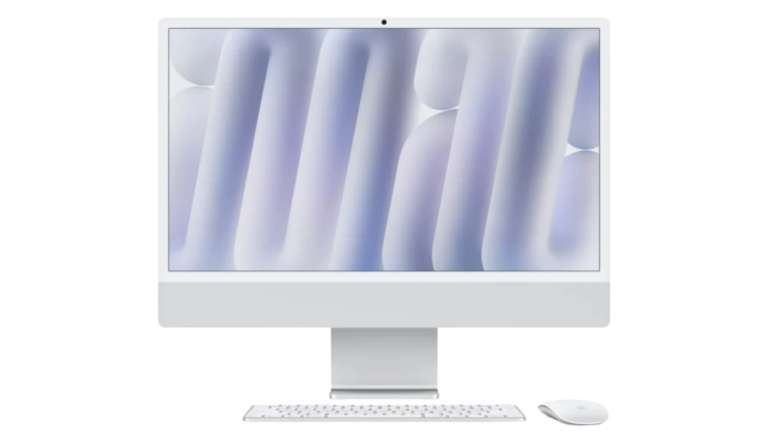
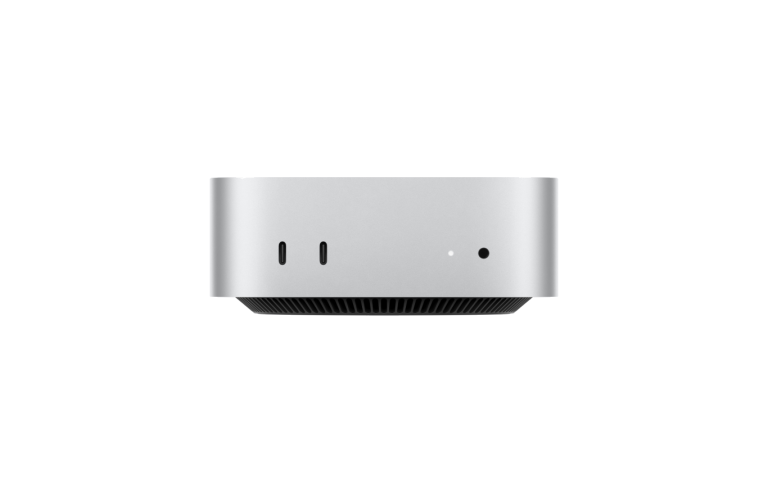
If you study mainly in one place, such as a home office or a residence room, and your institution does not require you to bring a laptop to class or exams, a desktop can give you more for your money. The iMac includes a 24-inch display, camera, keyboard and mouse. A Mac mini works with your own monitor, keyboard and mouse. Our Desktop Mac Buying Guide explains the full setup cost.
If you carry your computer between lectures, the library and home, the laptop's weight and battery matter more. MacBook Neo and the 13-inch MacBook Air both weigh 1.23 kg according to Apple, and the Air has the longer battery figures. The 15-inch Air is heavier at 1.51 kg.
All-in-one with display, keyboard and mouse.
From R30 011,55
Available to Order
Shop Desktop MacsUse your own monitor and accessories.
From R15 485,90
Available
Shop Desktop Macs
Memory, storage and the total study setup
- Memory cannot be upgraded later on any of these Macs. If your course list mentions 16GB, buy at least 16GB.
- Storage: 256GB is workable if you keep files in cloud storage. 512GB suits most students. Choose 1TB, or plan for an external drive, for photo, video or design work.
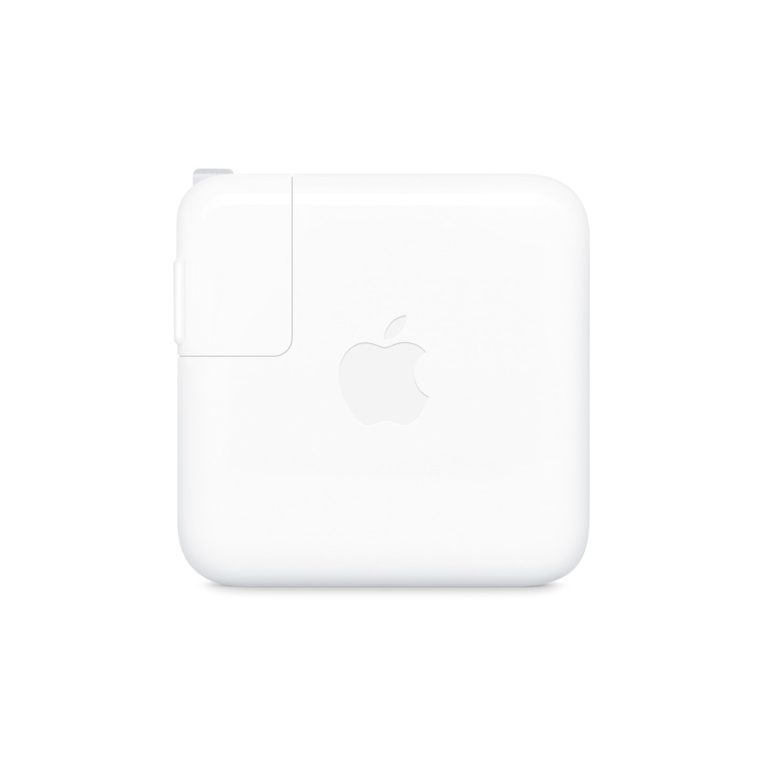
- Power adapter: the MacBook Neo and MacBook Air listings at iShure state that the power adapter is sold separately. Apple lists a 20W minimum for the Neo and 30W (13-inch) or 35W (15-inch) for the Air.
- Other costs: consider a protective sleeve, an external drive for backups, and any adapters you need for projectors or monitors on campus.
For example, using iShure's current prices, a MacBook Neo with the 35W Dual USB-C Power Adapter comes to R15 406,89, and a 13-inch MacBook Air with the same adapter comes to R26 406,89.
Suitable for MacBook Neo and MacBook Air; charges a phone too.
R1 407,89
Available to Order
View adapter20W to 140W options.
From R391,09
Available to Order
View adapters
Questions buyers ask
Is 8GB of memory enough for university?
For writing, research, office apps and online classes, generally yes. For design, video, engineering software or Android development, software developers commonly recommend 16GB or more, so choose a MacBook Air with 16GB or 24GB.
Can I run Windows-only course software on a Mac?
Not reliably. On Apple-chip Macs, virtualisation runs Arm versions of Windows only, and some programs, such as those requiring an Intel or AMD processor, may not work. Exam tools usually block virtual machines. Check with your institution before relying on it.
Will online exam software work on a Mac?
Many common tools support macOS. For example, Respondus LockDown Browser lists macOS 12 or later, and ExamSoft's Examplify lists Apple A18 and M-series chips. Check your institution's current requirements before your first exam.
Does iShure offer student discounts?
This guide does not cover discounts. Prices shown are iShure's current prices. Contact iShure for any questions about pricing.
Should I buy MacBook Neo or MacBook Air for university?
MacBook Neo suits general coursework at a lower price. MacBook Air, with 16GB or more memory, is the better choice for business analytics, coding, design and courses with heavier software.
Our recommendation
For most students, the MacBook Neo is enough for writing, research and online classes, and the 13-inch MacBook Air with 16GB is the safer all-round choice for business, coding and heavier multitasking. Choose a MacBook Air with 24GB or a MacBook Pro 14-inch for design, video and engineering work that runs on a Mac.
Above all, check your course software list and exam requirements before you buy, especially if your course uses Windows-only programs.
Sources
Software requirements are from each developer's official pages, and Mac details from Apple's specifications, checked on 15 October 2026. Configurations, prices and availability come from iShure's product listings.
- Microsoft: Microsoft 365 apps for Mac overview
- Microsoft: Use multiple tables to create a PivotTable (Data Models on Mac)
- Microsoft: Power Query in Excel for Mac
- Google: Android Studio system requirements
- Apple: Xcode system requirements
- Docker: Install Docker Desktop on Mac
- Adobe: Photoshop technical requirements
- Adobe: Lightroom Classic system requirements
- Adobe: Premiere technical requirements
- Apple: Final Cut Pro technical specifications
- MathWorks: MATLAB system requirements for Mac
- Autodesk: AutoCAD for Mac product details
- Autodesk: Mac-compatible software
- Dassault Systèmes: SOLIDWORKS system requirements
- Ansys: Ansys Student
- Graphisoft: Archicad system requirements
- Stata: Compatible operating systems
- IBM: SPSS on Arm architecture
- SAS Communities: How to use SAS on a Mac
- Respondus: LockDown Browser computer requirements
- ExamSoft: Examplify minimum system requirements
- Parallels: Known limitations on Mac with Apple silicon
- Microsoft: Windows 11 on Mac computers with Apple chips
Published 15 October 2026. Last reviewed 15 October 2026.