
Desktop Mac Buying Guide: iMac vs Mac mini vs Mac Studio
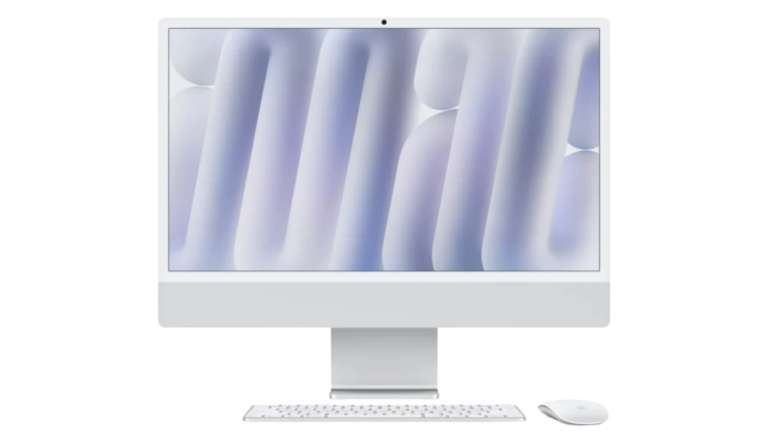
A desktop Mac makes sense when you work at the same desk most days. The choice is between the iMac 24-inch with the M4 chip, which includes its own display, keyboard and mouse, and two computers that you connect to your own screen and accessories: Mac mini and Mac Studio.
The most important thing to compare is not the price of the computer alone but the cost of a setup you can actually use. This guide explains what each one includes, who it suits and when the more powerful models are worth it.
Quick recommendation
- Choose iMac
- for a tidy all-in-one home or office computer with a built-in 4.5K display, camera, speakers, keyboard and mouse.
- Choose Mac mini
- if you already own a good monitor, keyboard and mouse, or want to choose your own, and need the most computer for the money.
- Choose Mac Studio
- for sustained professional work such as large video projects, 3D, music production or scientific workloads that need lots of memory, ports and displays.
The desktop Macs iShure sells
iShure lists the current Mac mini with the M6 and M5 Pro chips and the current Mac Studio with the M5 Max and M5 Ultra chips, which Apple released in September 2026, alongside the iMac with the M4 chip. Earlier Mac mini (M4, M4 Pro) and Mac Studio (M4 Max, M3 Ultra) models are also still listed; they are covered further down.
| Feature | iMac 24-inch (M4) | Mac mini (M6) | Mac mini (M5 Pro) | Mac Studio (M5 Max) | Mac Studio (M5 Ultra) |
|---|---|---|---|---|---|
| Configurations at iShure | 8-core CPU and GPU with 16GB and 256GB; or 10-core CPU and GPU with 16GB and 256GB, 16GB and 512GB, or 24GB and 512GB | 12-core CPU, 12-core GPU with 16GB and 256GB, 16GB and 512GB, or 24GB and 512GB | 15-core CPU, 16-core GPU, 24GB, 512GB | 18-core CPU, 32-core GPU, 36GB, 512GB | 30-core CPU, 64-core GPU, 96GB, 1TB |
| Display included | Yes, 24-inch 4.5K Retina (4480 × 2520) | No | No | No | No |
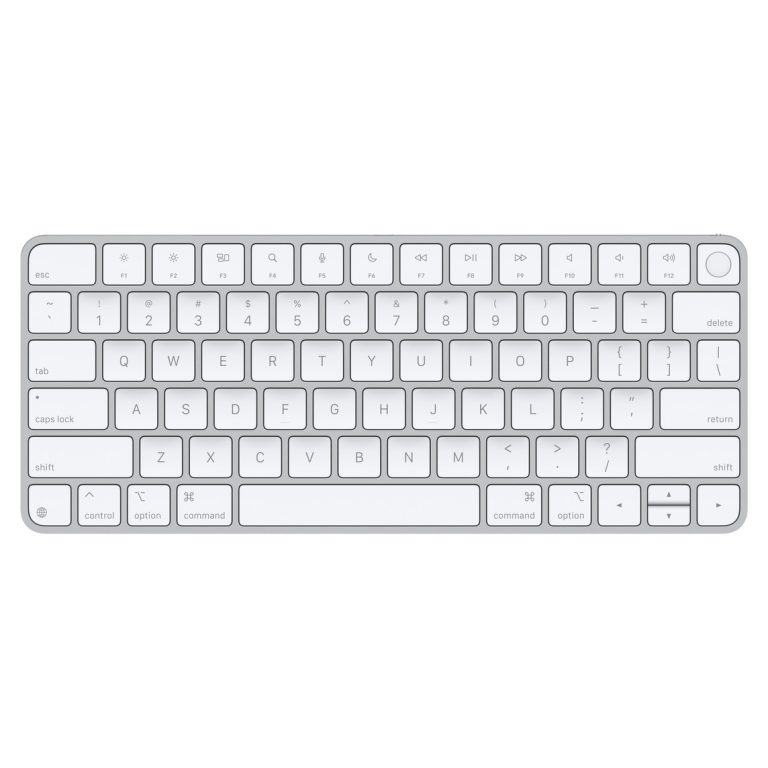
| Keyboard and mouse included | Yes: Magic Keyboard (8-core model) or Magic Keyboard with Touch ID (10-core models), plus Magic Mouse | No | No | No | No |
| Ports | 8-core: two Thunderbolt / USB 4 ports. 10-core: four Thunderbolt 4 ports. Headphone jack on both | Back: three Thunderbolt 4, HDMI, 2.5Gb Ethernet. Front: two USB-C (10Gb/s), headphone jack | Back: three Thunderbolt 5, HDMI, 2.5Gb Ethernet. Front: two USB-C (10Gb/s), headphone jack | Back: four Thunderbolt 5, two USB-A, HDMI, 10Gb Ethernet, headphone jack. Front: two USB-C, SDXC card slot | Back: four Thunderbolt 5, two USB-A, HDMI, 10Gb Ethernet, headphone jack. Front: two Thunderbolt 5, SDXC card slot |
| External displays | 8-core: one up to 6K. 10-core: up to two at 6K, or one at 8K | Up to three | Up to three | Up to five | Up to eight |
| Ethernet | Gigabit Ethernet in the power adapter on 10-core models | Built in | Built in | Built in, 10Gb | Built in, 10Gb |
| Camera, speakers and microphones | 12MP Center Stage camera, six speakers, three microphones | None built in | None built in | None built in | None built in |
| Footprint | 46.1 cm tall, 54.7 cm wide, stand 14.7 cm deep | 12.7 × 12.7 cm, 5.0 cm tall | 12.7 × 12.7 cm, 5.0 cm tall | 19.7 × 19.7 cm, 9.5 cm tall | 19.7 × 19.7 cm, 9.5 cm tall |
| Colours at iShure | Silver, Green, Blue, Pink | Silver | Silver | Silver | Silver |
An iMac with nano-texture glass is also listed (10-core, 16GB, 256GB). See the product page for its price.
All-in-one, with display, keyboard and mouse.
From R30 011,55
Available to Order
Shop Desktop Macs16GB or 24GB memory, 256GB or 512GB.
From R15 485,90
Available
Shop Desktop Macs24GB memory, 512GB.
R29 398,60
Available
Shop Desktop Macs36GB memory, 512GB.
R43 311,30
Available to Order
Shop Desktop Macs96GB memory, 1TB.
R95 374,10
Available to Order
Shop Desktop Macs
What is in the box, and what you still need
This is where desktop prices are easy to misread. According to Apple:
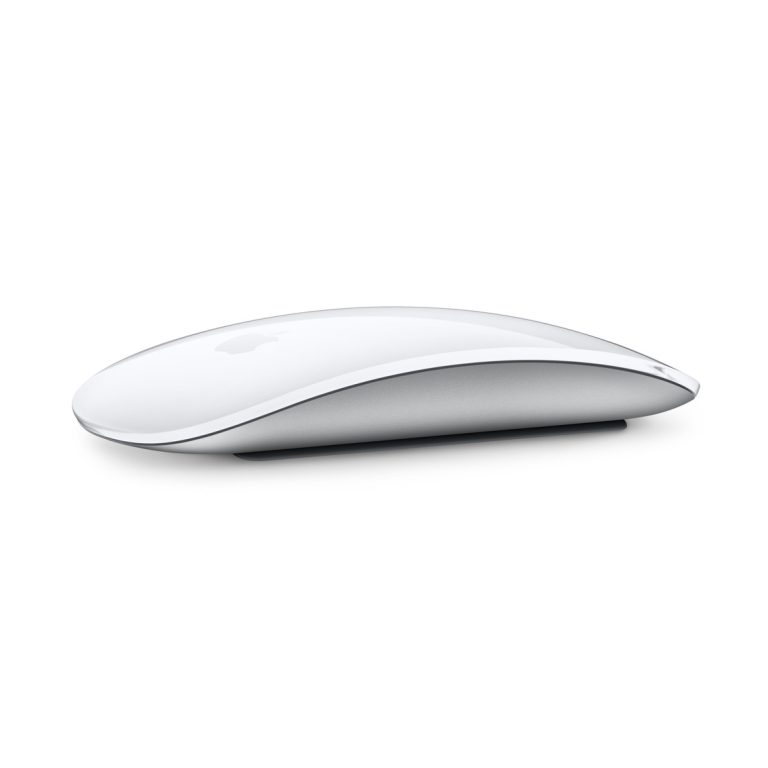
- iMac comes with its display, a Magic Mouse, a keyboard (Magic Keyboard on the 8-core model, Magic Keyboard with Touch ID on the 10-core models), the power adapter and cables. It is ready to use out of the box.
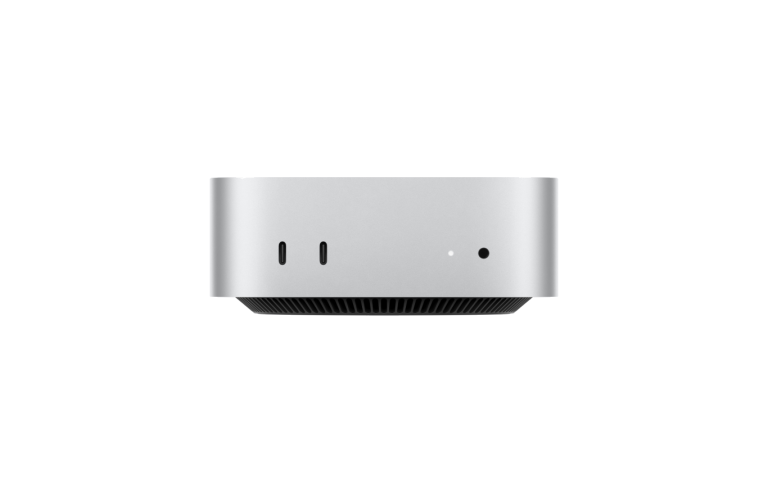
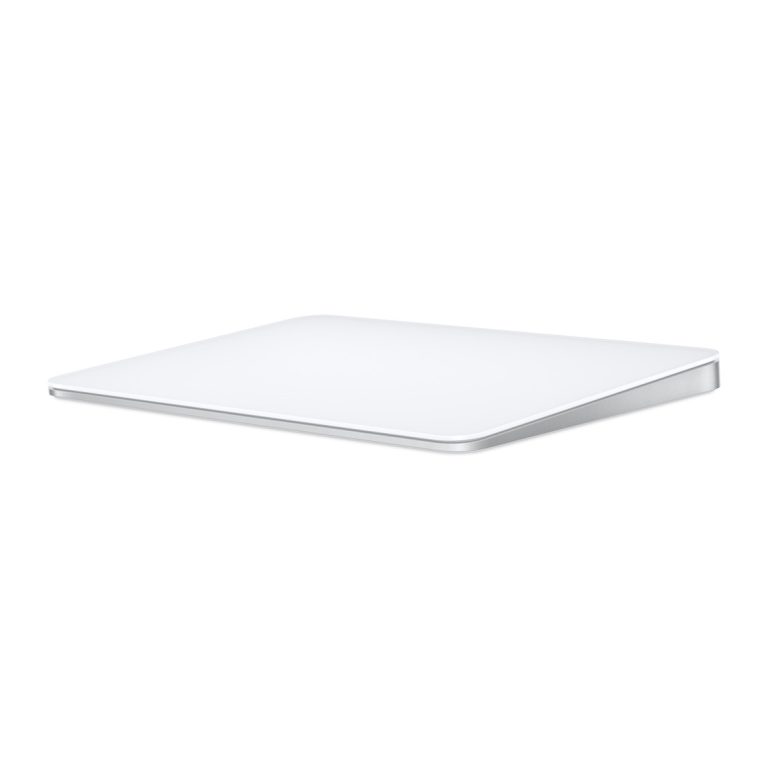
- Mac mini comes with the computer and a power cord only. You need a display, a keyboard and a mouse or trackpad.
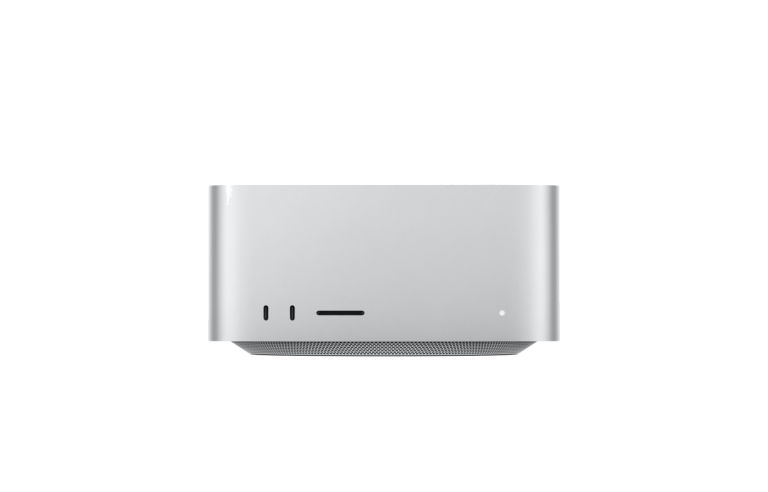
- Mac Studio comes with the computer and a power cord only. You need a display, a keyboard and a mouse or trackpad.
The total cost of a usable setup
If you already own a monitor, keyboard and mouse that work with a Mac, a Mac mini is the lowest-cost way into a desktop Mac. If you need to buy them, add their cost before comparing with an iMac.
As an example using iShure's current prices, a Mac mini (M6) with an Apple Magic Keyboard and Magic Mouse comes to R19 184,09 before you add a display. The iMac starts at R30 011,55 with its 4.5K display, keyboard and mouse included. Any monitor with a suitable connection will work with Mac mini, so your total depends on the display you choose.
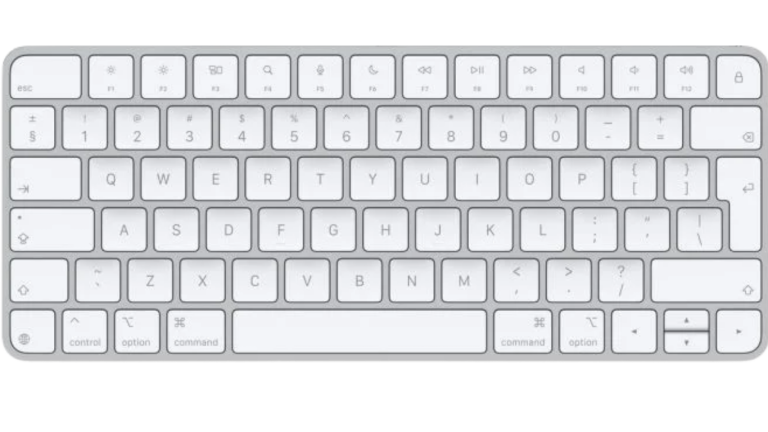
Pairs with your Mac; International English layout.
R2 054,67
Available to Order
View keyboardMagic Keyboard With Touch ID For Mac Models With Apple Silicon
Touch ID works with Macs that have Apple silicon, including every desktop Mac in this guide.
R3 092,24
Available to Order
View keyboardFrom R1 643,52
Available to Order
View mouseFrom R2 671,36
Available to Order
View trackpad
iMac: the all-in-one for home and office
The iMac suits households, home offices, reception desks and students who want one tidy computer with nothing extra to buy. The 24-inch 4.5K Retina display, 12MP Center Stage camera, six speakers and three microphones make it a good video-call and family computer.
- 8-core model (16GB, 256GB): fine for browsing, office work, homework and photos. It has two Thunderbolt / USB 4 ports and supports one external display.
- 10-core models: add two more Thunderbolt ports, a keyboard with Touch ID, Gigabit Ethernet in the power adapter and support for two external displays. Worth it if you plug in drives and accessories or want a second screen.
- 512GB storage: worth considering if you keep a large photo library on the computer rather than in the cloud. 24GB of memory suits people who run heavier apps side by side.
The limits: the display, memory and storage cannot be upgraded later, and you cannot reuse the iMac's screen with another computer. If you already have a monitor you like, a Mac mini is better value.
8-core or 10-core, 256GB or 512GB.
From R30 011,55
Available to Order
Shop Desktop Macs
Mac mini: the most flexible choice
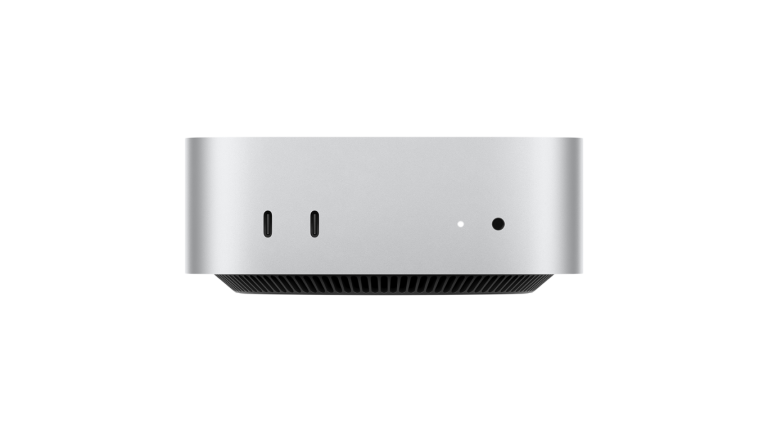
Mac mini is small enough to sit beside or under a monitor and works with the display, keyboard and mouse you already own. It has more ports than the iMac, including HDMI and built-in Ethernet, and can drive up to three external displays.
- Mac mini M6 with 16GB and 256GB: a sensible everyday desktop for office, study and home use. Choose 512GB if you store a lot locally.
- Mac mini M6 with 24GB and 512GB: for photo editing, coding or heavier multitasking.
- Mac mini M5 Pro (24GB, 512GB): adds a faster chip with more CPU and GPU cores and Thunderbolt 5 ports. It suits video editing, music production and software development that push the M6, or people who use fast Thunderbolt 5 storage.
Most people do not need the M5 Pro. If your work is office, study, browsing and photos, the M6 has plenty of performance, and the money is better spent on a good display.
The everyday desktop for your own display.
From R15 485,90
Available
Shop Desktop MacsFor heavier creative and development work.
R29 398,60
Available
Shop Desktop Macs
Mac Studio: for sustained professional workloads
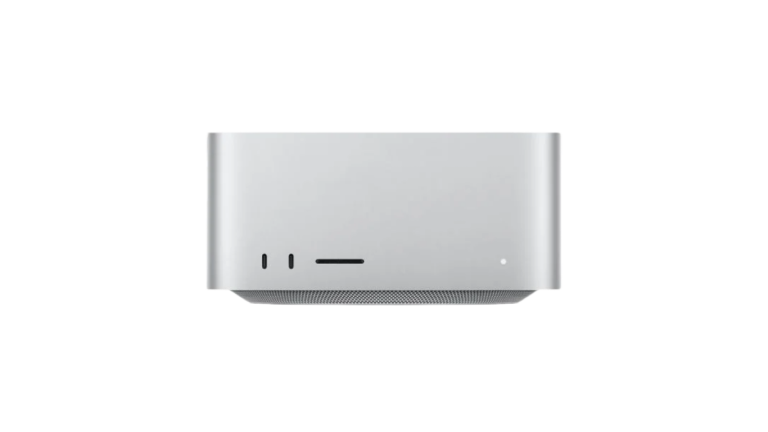
Mac Studio is for work that keeps a computer busy for long periods: editing high-resolution video, colour grading, 3D rendering, large music projects, software builds, data analysis and scientific computing. Compared with Mac mini it has much more memory, more Thunderbolt 5 ports, USB-A ports, 10Gb Ethernet, an SDXC card reader on the front and support for many more displays.
- Mac Studio M5 Max (36GB, 512GB): the starting point for professional video, design and audio work that has outgrown a Mac mini.
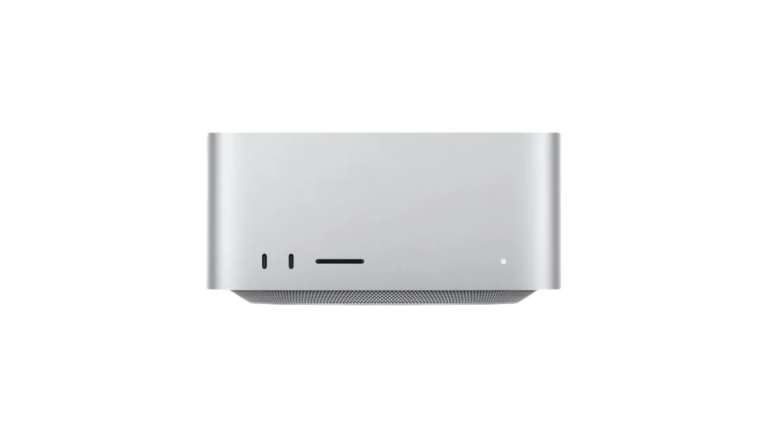
- Mac Studio M5 Ultra (96GB, 1TB): for the heaviest workloads that need very large amounts of memory and GPU power, such as large 3D scenes, high-end video effects or large datasets.
Not every creative user needs Mac Studio. Photographers, designers and many video editors working on shorter projects will be well served by a Mac mini M5 Pro or a MacBook Pro. Choose Mac Studio when you know your apps are limited by memory, GPU power or the number of displays and ports, not just because the work is creative.
36GB memory, 512GB.
R43 311,30
Available to Order
Shop Desktop Macs96GB memory, 1TB.
R95 374,10
Available to Order
Shop Desktop Macs
Memory, storage and displays
Memory and storage are fixed when you buy any of these Macs, so choose with the next few years in mind. As a rough guide, 16GB suits everyday work, 24GB suits regular photo editing, coding and heavier multitasking, and the larger amounts in Mac Studio are for professional apps that work with very large files. Storage can be extended with external drives, which is easier on Mac mini and Mac Studio thanks to their extra ports.
Choosing a display
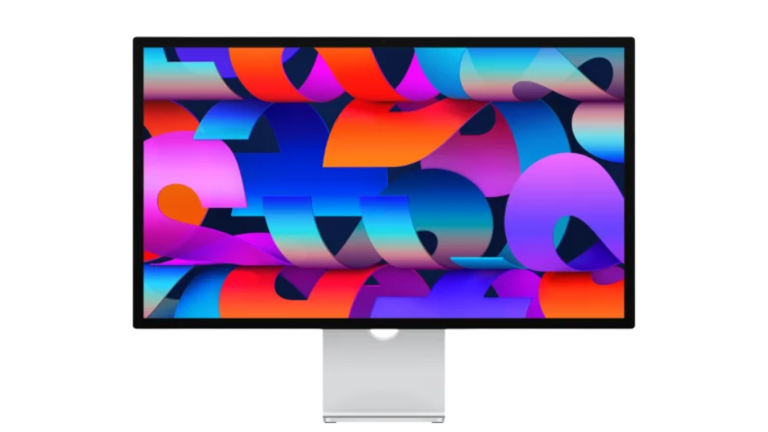
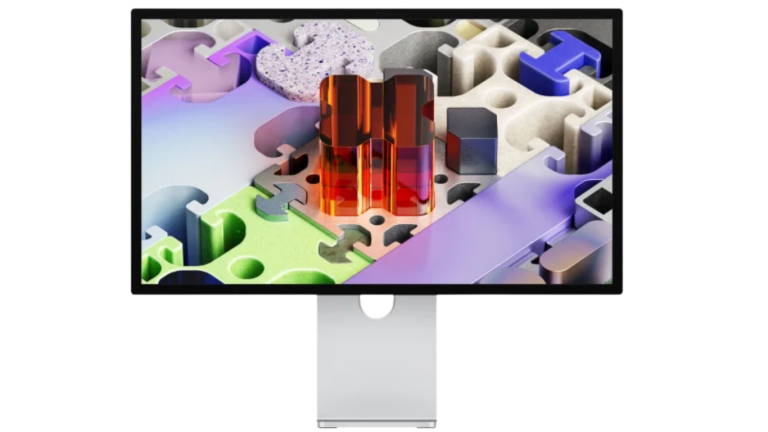
Mac mini and Mac Studio work with standard monitors through Thunderbolt, USB-C or HDMI. If you want an Apple display, iShure lists Studio Display and Studio Display XDR. Apple lists both as compatible with Mac mini (2020 and later), Mac Studio (2022 and later) and the 24-inch iMac (2021 and later), using macOS Tahoe 26.3.1 or later.
Apple's Studio Display, with stand options.
From R44 210,29
Available to Order
View Studio DisplayFrom R80 205,29
Available to Order
View Studio Display XDR
Earlier models still listed
iShure still lists the previous Mac mini with the M4 chip (16GB or 24GB, 512GB) and M4 Pro (24GB, 512GB), and the previous Mac Studio with the M4 Max (36GB, 512GB) and M3 Ultra (96GB, 1TB). They remain capable machines. The newer M6 and M5 generation has more CPU cores than the model it replaces, plus newer Wi-Fi 7 and Bluetooth 6 wireless, so compare current prices: choose an earlier model only if it costs less for the configuration you need.
From R20 050,59
Available to Order
Shop Desktop MacsR31 885,91
Available to Order
Shop Desktop MacsR49 883,41
Available to Order
Shop Desktop MacsR105 636,53
Available to Order
Shop Desktop Macs
Which desktop Mac should you choose?
Choose iMac when…
- You want one tidy computer with screen, camera, speakers, keyboard and mouse included.
- It is for a family, home office or shared desk.
- You do not already own a good monitor.
Choose Mac mini when…
- You already have a monitor, keyboard and mouse, or want to choose your own.
- You want more ports, Ethernet or up to three displays.
- You want the most performance for the money, from everyday use (M6) to heavier creative work (M5 Pro).
Choose Mac Studio when…
- Your work keeps the computer busy for long periods and needs lots of memory or GPU power.
- You need many displays, fast storage or an SD card reader at the desk.
- You have outgrown a Mac mini M5 Pro.
Studying and need a computer you can carry? See Best Mac for Students. Looking at laptops for heavier work? See MacBook Air vs MacBook Pro.
Questions buyers ask
Does Mac mini come with a keyboard and mouse?
No. Mac mini and Mac Studio come with the computer and a power cord only. You need a display, keyboard and mouse or trackpad. iMac includes its display, a keyboard and a Magic Mouse.
Can I use my existing monitor with a Mac mini?
Usually, yes. Mac mini has Thunderbolt, USB-C and HDMI ports. Check that your monitor has one of these connections or a suitable adapter.
Which iMac has Touch ID?
The 10-core iMac models include a Magic Keyboard with Touch ID. The 8-core model includes a Magic Keyboard without Touch ID.
Is Mac Studio worth it for photo editing?
For most photographers, no. A Mac mini, iMac or MacBook with enough memory handles photo editing well. Mac Studio is aimed at sustained heavy work such as large video, 3D and scientific projects.
Can I upgrade the memory later?
No. Memory and storage are built into these Macs and cannot be upgraded after purchase. External drives can add storage.
Our recommendation
For most homes and offices, the iMac is the simplest complete choice. If you already own a good monitor, keyboard and mouse, the Mac mini with the M6 chip gives you more ports and more flexibility for less, and the M5 Pro model is the step up for heavier creative and development work. Mac Studio is worth its price only when your work genuinely needs its memory, GPU power, ports and display support.
Before comparing prices, add up everything you need on the desk, not just the computer.
Sources
Technical details are from Apple's published specifications and support pages, checked on 15 October 2026. Configurations, prices and availability come from iShure's product listings.
- Apple: iMac technical specifications (South Africa)
- Apple Support: iMac (24-inch, 2024, two ports) tech specs
- Apple Support: iMac (24-inch, 2024, four ports) tech specs
- Apple: Mac mini technical specifications
- Apple: Mac Studio technical specifications
- Apple Newsroom: Mac mini with M6 and M5 Pro
- Apple Newsroom: Mac Studio with M5 Max and M5 Ultra
- Apple Support: Mac mini (2024) tech specs
- Apple Support: Mac Studio (2025) tech specs
- Apple: Studio Display technical specifications (South Africa)
Published 15 October 2026. Last reviewed 15 October 2026.