
Interactive smartboards for classrooms
The AI Builds the Lesson, Sets the Quiz and Marks It!
A board that writes and shares a screen is the easy part. What changes a teacher’s week is the AI on it: give it the topic and the grade and it drafts the lesson, sets the quiz, runs it live on the learners’ phones and marks it.
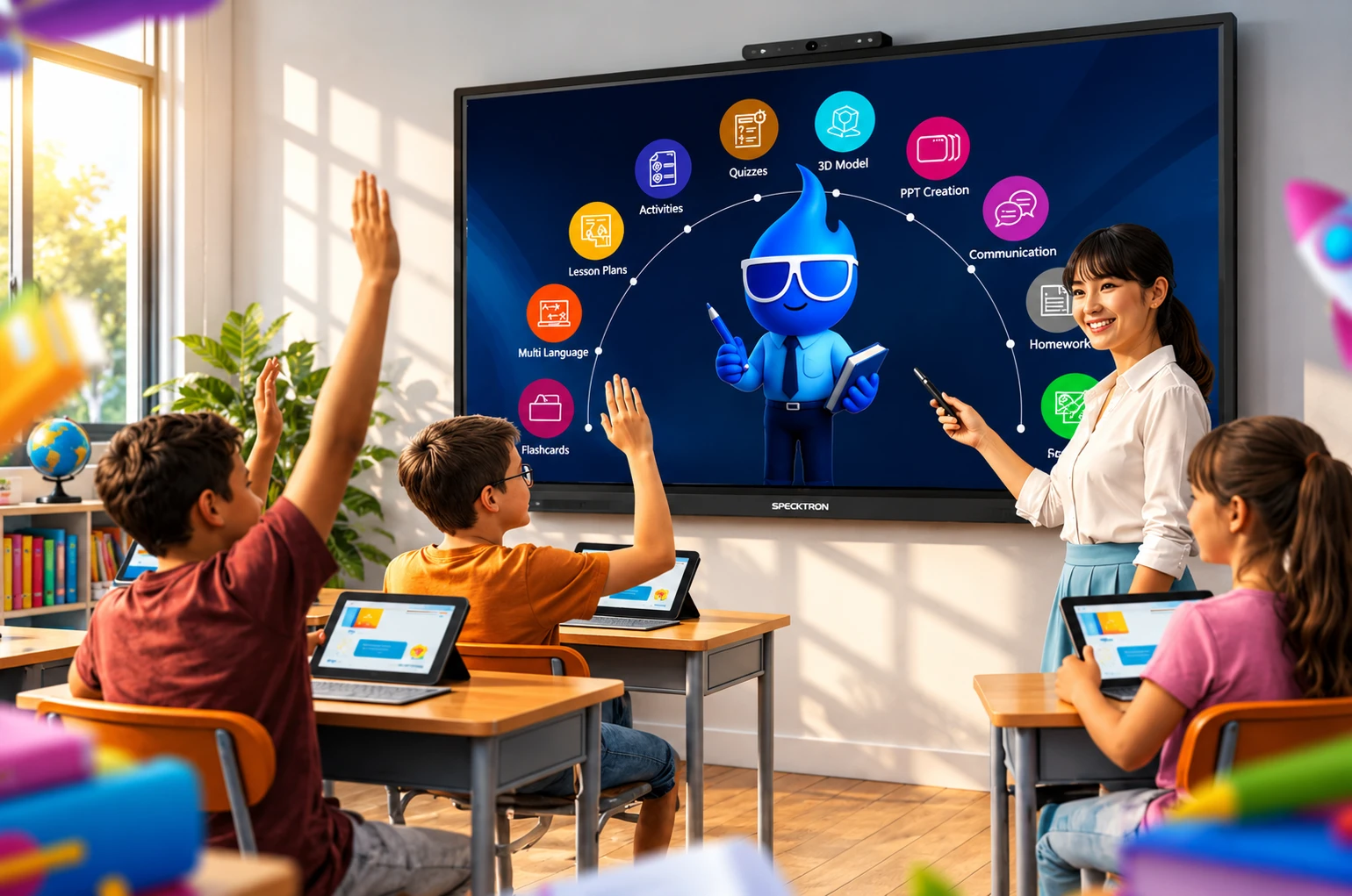
It builds the lesson to the curriculum
Ask SparkyAI for a lesson on a topic for a grade and it drafts it on the board, to CAPS or to IEB. We have tested this on our own demo board. Edit what it gives you, teach from it, and keep it.
That is the part that saves the evening. The rest of the week it sets the quizzes, marks them, and turns a textbook chapter into something you can teach from.
What the AI does, in the classroom
Build a lesson
Give it the topic and the grade and it drafts the lesson on the board, ready to teach or to edit.
Set a quiz
From the lesson you just taught, or from a document. Run it live and the class answers on their own phones.
Read a PDF
Drop in a textbook chapter, a policy or a manual and ask it questions, summarise it, or turn it into a lesson.
Summarise a video
Paste a video and it comes back with the points, so you can teach from it instead of watching it through.
Translate
Take the lesson into another language on the board, for a class that does not all share a first language.
Make a picture
Generate the diagram or the illustration you need, on the spot, instead of hunting for one.
3D and virtual labs
Models you can turn and take apart on the glass, and experiments that would need a lab you do not have.
And what the board does without it
50 touch points
A whole group at the glass at once, not one child with a pen while the rest watch. The pen is pressure sensitive, so the line thickens as you press.
Handwriting that becomes text
Write on the board and it types it, in the language you are writing in. Draw a rough circle and it becomes a circle.
Readable from the back row
4K Ultra HD at 178 degrees, so the child in the back corner is reading the same board as the one in front.
Annotate over anything
Draw over a website, a document or a video without freezing it or leaving the app.
Record the lesson
Record what happens on the board and share it afterwards, for the class that missed it or the one that wants it again before the test.
Mohs 9 glass
Four millimetres of it, and the hardest glass in the comparison. It matters in a room full of children.
Sign in by QR or a tap
A teacher scans a code or taps a card, their drive and their files are there, and they are gone again when they sign out. No shared login.
One person runs them all
Bytello DMS pushes a file or an app to every board in the school, and flags the one with a fault.
What a classroom board costs
- Prices include VAT.
- Subject to exchange rate fluctuations and stock availability.
Specktron UDX-S2 Pro
60 months at 0% escalation, with a R 977 documentation fee upfront. Rentals are financed by one of our finance partners and the agreement is ceded to them, subject to credit approval. Prices checked 26 September 2026.
Get this quotedYour rental is financed by one of our finance partners (Centrafin, Sunlyn or Revfin) and the agreement is ceded to them. Prices include VAT and were checked 26 September 2026.